How to connect a clicker to PowerPoint.
Connecting a presentation clicker to PowerPoint takes about a minute: the USB receiver does the work, and PowerPoint needs no setup. Here is the process, plus what to check when it does not respond.
Plug in, start the show, present.
1. Plug in the receiver
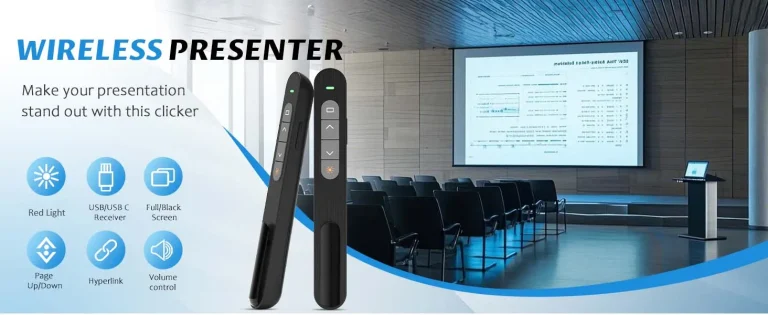
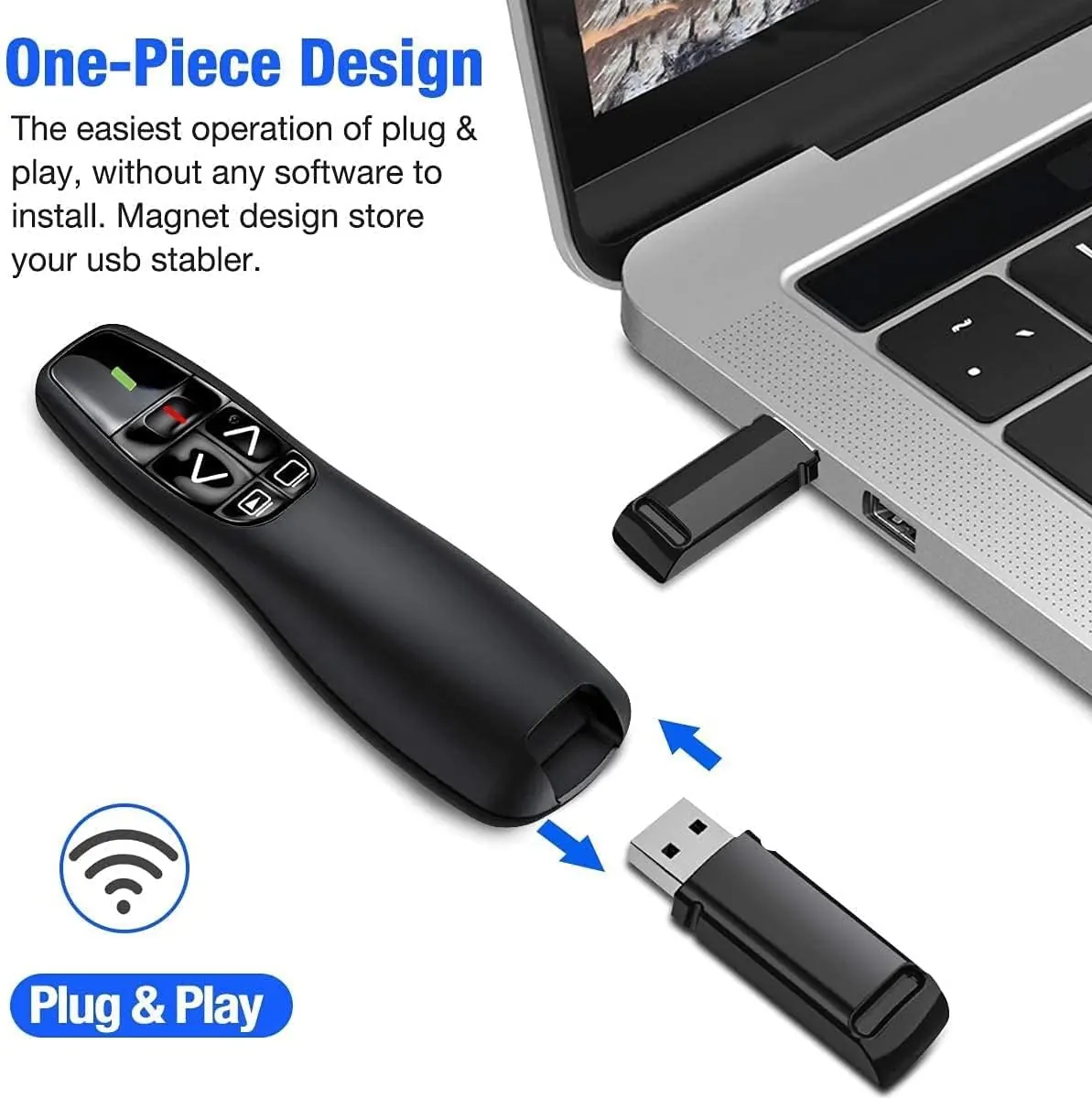
Plug the USB receiver into a spare USB port on the laptop. The RF039’s dual receiver has both USB-A and USB-C connectors — use the one that matches the port. The K801’s receiver is USB-A and stores in a slot inside the battery compartment when not in use. No drivers to install on any of the four models.
2. Start the slideshow
Open the deck in PowerPoint and start the slideshow — F5, or the Slide Show tab. The remote’s next and previous buttons advance slides once the slideshow is running. If you are still in the editing view, the buttons will not advance anything.
3. If nothing happens
Click once inside the slideshow window so it has focus. Then check the battery — the K400 takes 2 AAA, the K500 and K801 take 1 AAA each, and none of the three include them; the RF039 needs 2 AAA as well. Push the receiver firmly into the port, or try a different USB port.
4. On a Mac
All four models list PowerPoint on Windows and macOS. If the Mac only has USB-C ports, the RF039’s dual receiver plugs straight in; for the other models, check the receiver connector against the laptop’s ports before ordering.
Prefer Google Slides or Keynote? All four GNKER remotes list Google Slides; the K400, K500, and K801 also list Keynote. See the full comparison, or learn how to use a presentation clicker from the start.
Which remote fits which room.
Frequently asked questions.
Do I need to install drivers for a presentation clicker?
No. All four GNKER remotes are plug-and-play: plug the USB receiver into the laptop and present. No additional software or drivers are required.
Does a presentation clicker work on a Mac?
Yes. All four GNKER remotes list PowerPoint on Windows and macOS. The RF039’s dual USB-A / USB-C receiver fits Macs with only USB-C ports.
My laptop only has USB-C ports — which remote?
The RF039, whose dual receiver includes a USB-C connector. For the other models, check the receiver connector against the laptop’s ports before ordering.
Can I use the clicker with Google Slides or Keynote?
Google Slides: all four GNKER remotes. Keynote: the K400, K500, and K801. The RF039 does not list Keynote.