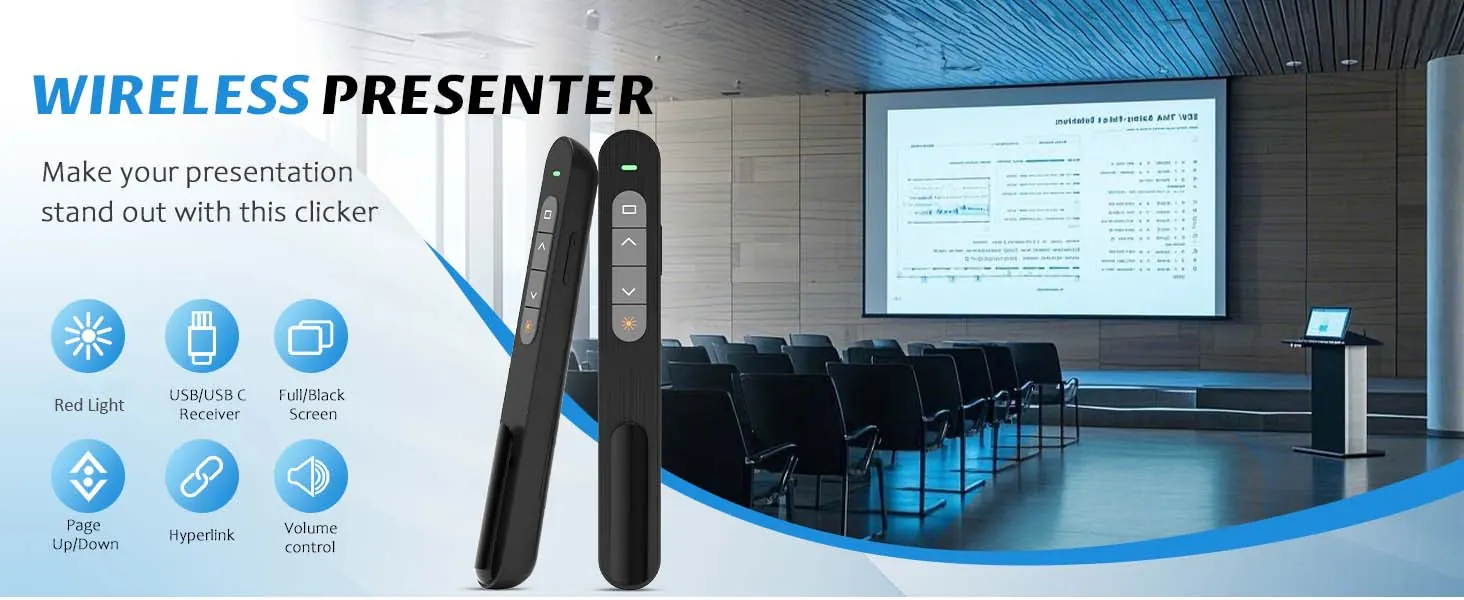
Presentation tips for beginners.
Your first talk with a clicker is mostly about rehearsal: know the buttons before the audience arrives, and save the laser and the black screen for moments that earn them.
Before the audience arrives.
1. Rehearse with the clicker
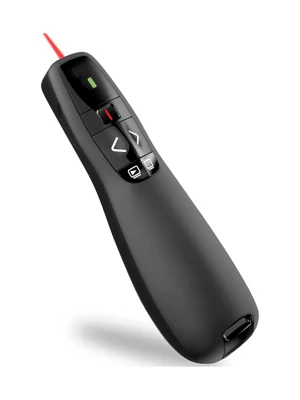
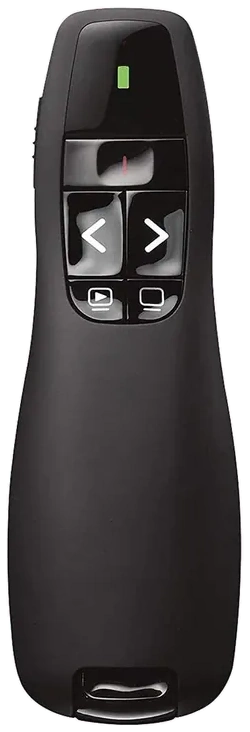
Do one full run-through with the remote in your hand: advance, go back, fire the laser, blank the screen. Every GNKER remote has next and previous slide, a red laser, and full-screen and black-screen buttons, so the run-through takes five minutes.
2. Stand where you can see the screen
Stay inside the remote’s control range: up to 39 ft (12 m) on the K400, up to 98 ft (30 m) on the K801 and RF039, and up to 328 ft (100 m) on the K500. If you cannot see the screen, you cannot tell which slide is showing.
3. Use the laser in short points
The red laser reaches up to 328 ft (100 m) on all four GNKER remotes. Point at one thing, say the sentence, and let go — a laser that never switches off stops meaning anything.
4. Blank the screen to take the room back
When the point is you, not the slide, hit the black-screen button. All four GNKER remotes have one. Press it again to bring the slide back.
5. Check the battery before you start
The K400 takes 2 AAA batteries and the K500 and K801 take 1 AAA each, and none of the three include them — carry a spare. The RF039 needs 2 AAA batteries as well — confirm the bundle with us when you inquire.
6. Keep the receiver with the remote
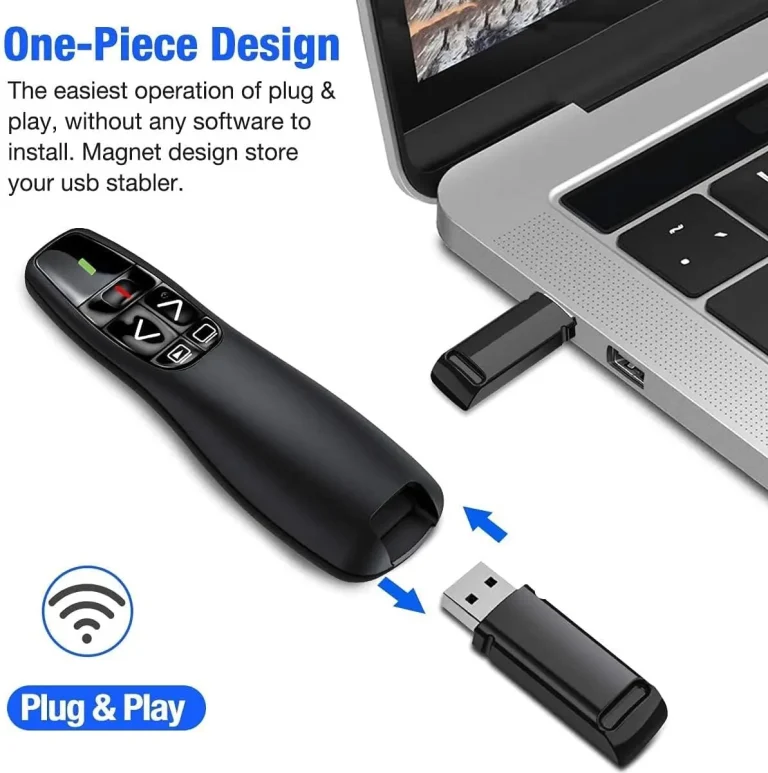
The K400 stores its receiver inside the presenter body, the K801 in a slot inside the battery compartment, and the RF039 inside the remote. The K500 ships with its receiver and a pocket clip. Put it back after every talk and it will be there for the next one.
Need a remote first? Read how to choose a presentation clicker, or compare the four models.
Which remote fits which room.
Frequently asked questions.
How much rehearsal is enough?
One full run-through with the clicker in your hand: every advance, every laser point, every black-screen pause. If a button surprises you in rehearsal, it will surprise you on stage.
Should I use the laser the whole time?
No. Short points only — aim, say the sentence, release. A laser left on becomes background noise.
What if the remote stops in the middle of a talk?
Check the battery first, then make sure you are still inside the control range — up to 39 ft (12 m) on the K400, and up to 98 ft (30 m) on the K801 and RF039. Carry a spare AAA; the K400 takes 2, and the K500 and K801 take 1 each.
Which remote should a beginner start with?
It depends on the room more than on experience — range, receiver, and software. Read the buying guide or compare the four models side by side.