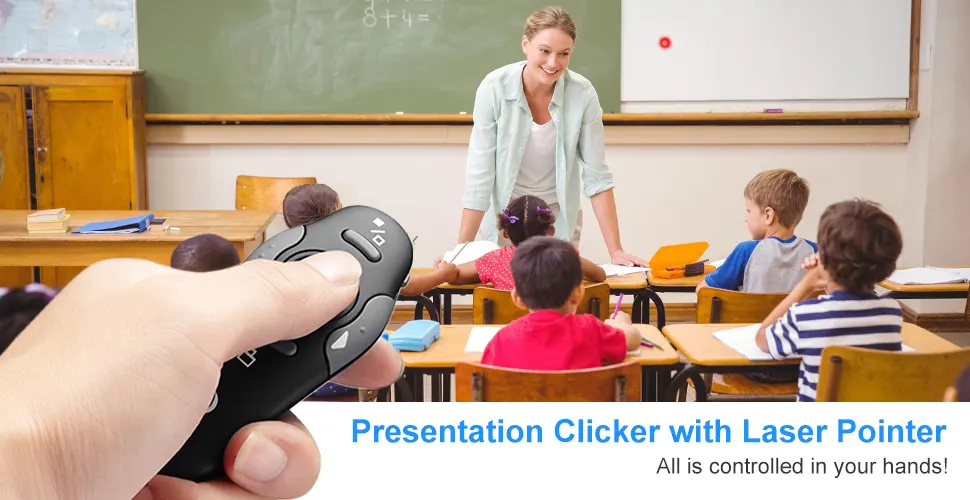
Why a physical clicker still beats a phone remote in a real classroom.
Phone-as-remote demos are going viral — Canva remote control, phone apps that turn your iPhone into a clicker. But scroll into the comments and the teachers keep making the same case: in a real classroom, the physical clicker still wins. Here is what they actually say, and the honest counter-argument.
Three reasons, in their own words.
1. “Phones are not permitted in the class”
In many schools the phone is not allowed in the room at all — sometimes not even for the teacher. A phone remote needs the phone in your hand, unlocked, and on the school network. A clicker needs none of that. It is a small remote with three buttons and a receiver; it works whether or not the school has a phone policy, because it never asks for the phone. (Teacher comment on a Canva phone-remote demo, Instagram.)
2. “Our WiFi is so sketchy”
Phone remotes run over WiFi or Bluetooth pairing. School WiFi drops, pairing fails, the app wants an update in the middle of a lesson. A 2.4 GHz USB clicker talks straight to the laptop — plug the receiver in, open the slideshow, and the buttons work. There is no network in the loop to fail. (Teacher comment, Facebook.)
3. Offline, pocket-sized, and nothing to fiddle with
Teachers in the same threads describe preferring their existing physical clickers for simplicity, reliability, offline use, and pocket size — and criticise the phone route for needing internet, another device, and attention that should be on the class. “I’ll stick to my glorified garage door opener,” one wrote. “You can use a presenter for this. Why make it so complicated?” wrote another. No second device to charge, no notifications popping up on the screen, no lock screen in the middle of a slide.
The honest counter-argument
None of this means a phone remote never makes sense. If the room is small, the WiFi is good, and phones are allowed, a phone remote costs nothing and works — some classrooms genuinely need no dedicated remote at all. The clicker wins where the conditions are real-classroom conditions: a phone ban, weak WiFi, a shared room, a lesson that cannot stop for pairing. Buy for the room you actually teach in, not the demo.
What to look for in a classroom clicker
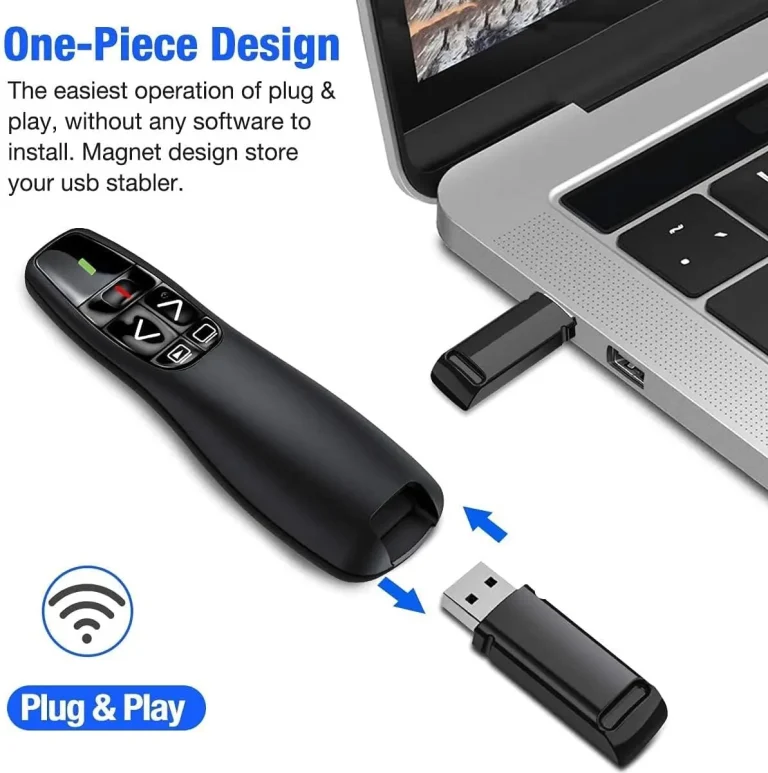
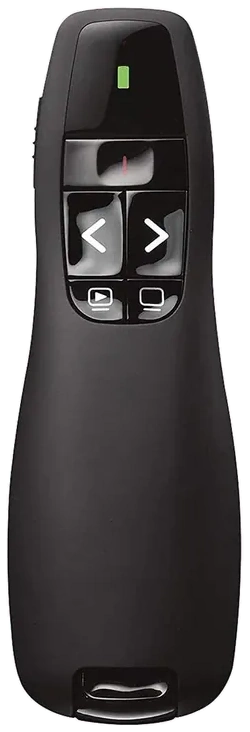
Range for the room: up to 39 ft (12 m) on the K400, up to 98 ft (30 m) on the K801 and RF039, and up to 328 ft (100 m) on the K500. Receiver storage: lost dongles are the most common failure mode in shared equipment kits — the K400 stores its receiver inside the presenter body, the K801 in a slot inside the battery compartment, and the RF039 inside the remote, and the K500 ships with its receiver and a pocket clip. Battery: carry a spare AAA — the K400 takes 2 and the K500 and K801 take 1 each, none of the three included, and the RF039 needs 2 AAA as well — confirm the bundle with us when you inquire. And if the room uses MacBooks, the RF039’s dual USB-A / USB-C receiver avoids the adapter hunt. Compare the four models side by side.
Which remote fits which room.
Frequently asked questions.
Can I just use my phone as a presentation remote?
Yes — apps like Canva’s remote control turn a phone into a clicker, and they cost nothing. But they need the phone in your hand, a working connection, and a school that allows phones in the room. When any of those three is missing, a physical clicker is the reliable option.
Do teachers actually prefer physical clickers?
In the comments under the viral phone-remote demos, yes — the recurring reasons are phone bans, unreliable school WiFi, and offline use. No brand page had made this case before; the teachers made it themselves.
What should a classroom clicker have?
Enough range for the room, a receiver that stores inside the remote so it does not get lost in a shared kit, and a battery you can swap — carry a spare AAA. If the room uses MacBooks, a dual USB-A / USB-C receiver (like the RF039) avoids the adapter hunt.
Which GNKER remote fits a classroom?
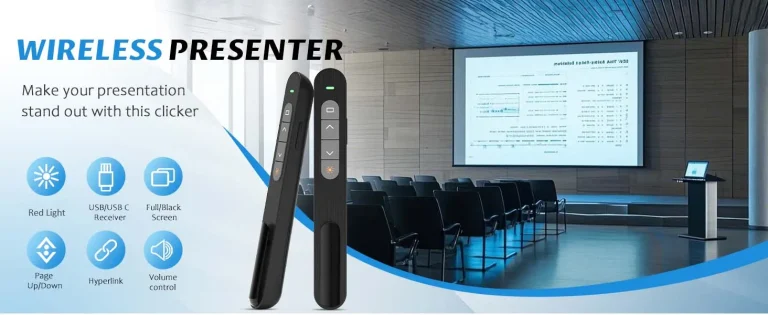
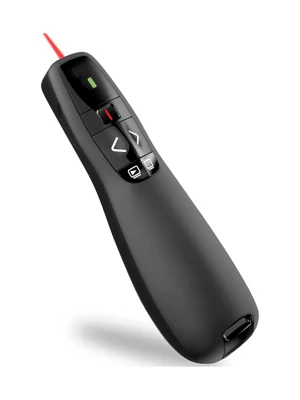
It depends on the room: the K500 has the longest control range (up to 328 ft / 100 m) plus volume control; the RF039 has the dual USB-A / USB-C receiver for shared MacBooks and batteries are not listed as included — confirm the bundle with us when you inquire; the K801 is the ergonomic one at 38 g. Compare the four side by side.